How to build a creative swipe file system that you actually use
Most swipe files turn into graveyards of screenshots. Here is a board structure, tagging taxonomy and review routine that turns saved ads into usable briefs.
Updated Oct 27, 2026
On this page+
Most swipe files fail in the same way. They start as a burst of enthusiasm, a folder of screenshots or a Slack channel full of links, and within a month nobody opens them. The problem is rarely collection. It is retrieval. A swipe file earns its keep only when you can answer a request like "show me problem-solution UGC ads for skincare aimed at people who already know the category" in under a minute.
This guide sets out a system that holds up over time: where to keep swipes, how to organize boards, a tagging taxonomy, a review routine and a process for turning saved ads into creative briefs.
What a swipe file is for
A swipe file is a working reference library, not a mood board. It should help you do four things:
- Spot patterns across many ads, such as which angles a niche keeps returning to.
- Give designers, editors and creators concrete references instead of adjectives.
- Build a shared vocabulary across your team or with clients.
- Keep a dated record of what competitors launched, tested and kept running.
It is not a library of things to copy. Study structure, pacing and angle; never lift another brand's footage, claims or wording. Our guide to researching competitor ads ethically covers where that line sits.
Pick one home and capture the context
Swipes scattered across phones, bookmarks and chat threads are effectively lost. Choose one tool and make it the only place swipes live. Then capture more than a screenshot, because an ad without its context tells you very little six months later.
Save these with every swipe:
- The creative, plus the full primary text, headline and call to action
- The advertiser and a link back to the original ad
- The landing page URL, ideally with a screenshot of the top of the page
- Launch date, whether it is still active and how many days it has run
- Countries and platforms it was delivered on
- One sentence on why you saved it
That last field matters most. "Good hook" is useless. "Opens on the old product failing, then shows the fix, which makes the comparison feel honest" is something a creative team can use.
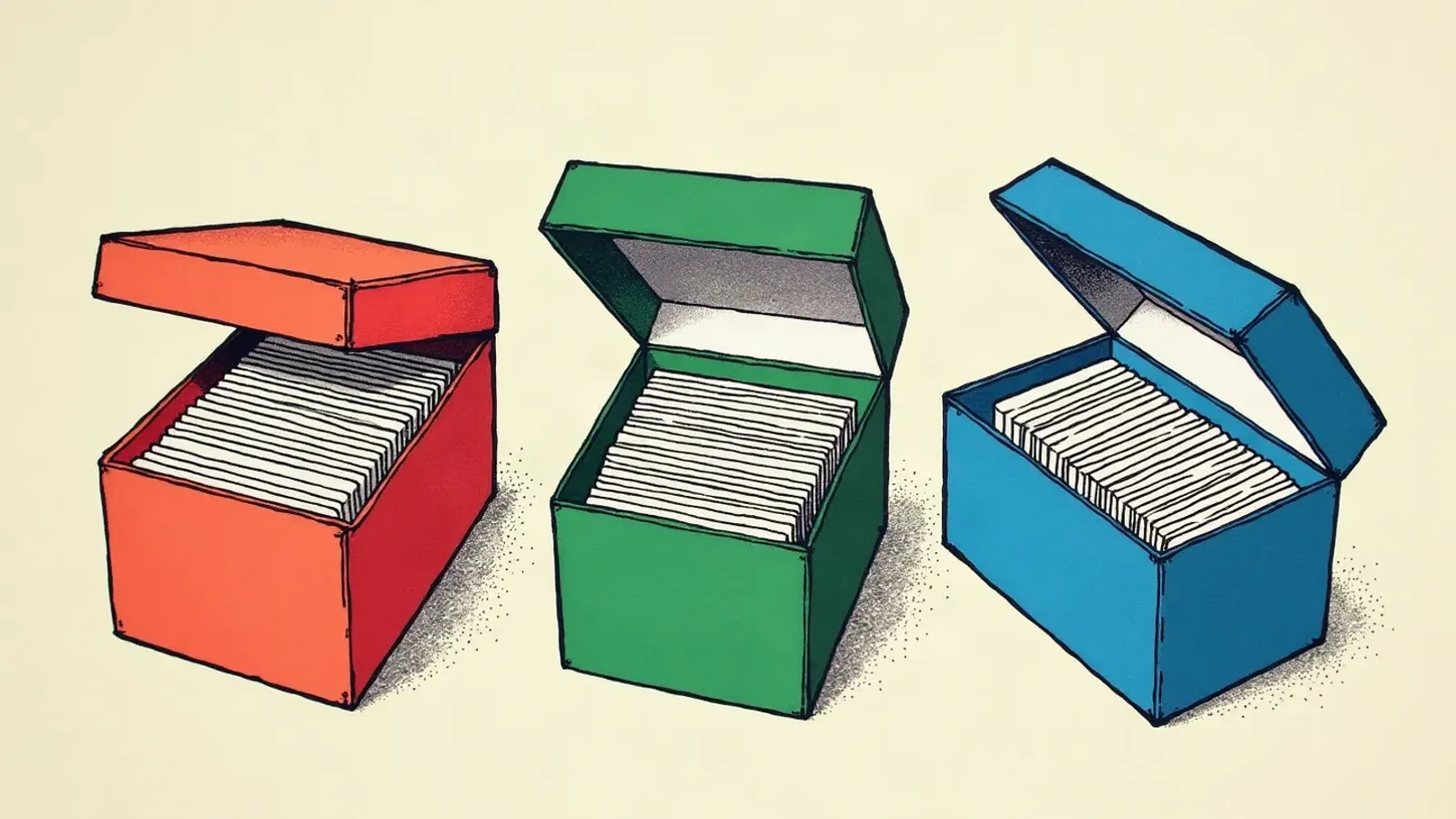
Board structure
Deep folder trees force every ad into a single location, and most ads belong in several. Keep boards few and broad, and let tags do the sorting.
- Inbox. Everything new lands here, untagged. It is a holding area, not storage.
- Competitors. One board per competitor you track closely. Over time these become a timeline of their creative strategy.
- Categories or clients. Brands can split by product line. Agencies usually want one board per client so references are easy to share.
- Active briefs. References attached to work in progress. Clear each one when the brief ships.
- Hall of fame. A curated set of the best examples you would show a new hire. Keep it small enough to browse in ten minutes.
A tagging taxonomy
Five dimensions do most of the work: angle, format, hook type, funnel stage and awareness level. Add optional ones only if your team will actually search by them.
| Dimension | Example tags | Question it answers |
|---|---|---|
| Angle | problem-solution, value, convenience, identity, gifting, comparison, founder story, sustainability | Why should the viewer care? |
| Format | static, carousel, UGC video, studio video, motion graphic, meme, text on image, before and after | What does it look like? |
| Hook type | callout, question, bold claim, pattern interrupt, story, mistake, curiosity, social proof, offer | How does it stop the scroll? |
| Funnel stage | prospecting, retargeting, retention | Where in the journey is the viewer? |
| Awareness level | unaware, problem aware, solution aware, product aware, most aware | How much does the viewer already know? |
| Offer (optional) | none, percentage off, bundle, free gift, free shipping, guarantee | What is the incentive? |
| Longevity (optional) | new (under 7 days), testing (7 to 30 days), proven (30+ days) | How confident can we be that it works? |
Rules that keep tags useful
- Keep a controlled vocabulary. Write the allowed tags down and stick to them. "UGC", "ugc video" and "creator content" as three separate tags break every search.
- One primary angle and one primary hook per swipe. If an ad seems to have three angles, decide which one is doing the work.
- Tag on the way in. Untagged swipes rarely get tagged later.
- Mark inferences. From the outside you usually cannot tell whether a competitor ad is prospecting or retargeting. Copy like "still thinking about it?" is a clue, but tag it as inferred.
Awareness levels in brief
The five levels come from Eugene Schwartz's Breakthrough Advertising and remain a practical way to sort ads by how much they have to explain.
- Unaware: does not recognize the problem yet. Ads lead with a story, identity or curiosity.
- Problem aware: feels the problem but does not know solutions exist. Ads name and sharpen the problem.
- Solution aware: knows solutions exist, but not yours. Ads explain why this approach is better.
- Product aware: knows your product but has not bought. Ads handle objections and add proof.
- Most aware: ready to buy. Ads lead with the offer.
Review rituals
A swipe file stays useful only if someone tends it. Short, regular sessions beat an occasional big clean-up.
| Cadence | Time | What to do |
|---|---|---|
| Weekly | 30 minutes | Empty the inbox, tag everything and delete anything you would not use. Being ruthless is the point. |
| Monthly | 60 minutes | Review each competitor board. What is new, what stopped, what is still running? Count swipes by angle and format to see where a niche is crowded. |
| Quarterly | 90 minutes | Prune the hall of fame, retire references that feel dated and update the tag list. |
| Before every brief | 15 minutes | Search by the tags that match the brief and pull references. |
The monthly review is where most insight comes from. When three competitors move to the same angle within a few weeks, or a format you have never tried keeps appearing in long-running ads, that is a lead worth briefing.
Turning swipes into briefs
Swipes become valuable when they shape what you make next.
- Start with a gap, not a swipe. For example: "Our prospecting ads all speak to problem-aware buyers, and we have nothing for people already comparing solutions."
- Filter by the tags that match the gap. In this case, solution aware plus comparison angle, across formats.
- Pull three to five references. For each one, note what to borrow (structure, pacing, hook type, demo style) and what not to borrow (claims, brand assets, exact phrasing).
- Write the brief. Include the objective, audience and awareness level, the angle, three hook options, format and length, the references with notes, mandatory elements and how you will judge success.
- Close the loop. When the ad has run, add it to the swipe file with its results and the same tags. Over time your own tested ads become the most valuable references you have.
A brief built this way gives a creator or editor a clear target rather than a vibe. Our list of ad hook formulas is a useful companion when you write the hook options.
Building it in PixelSpyer
PixelSpyer is built around this workflow. Save any ad from the ad library into your swipe file and organize it into boards; on Pro and Agency plans, boards can be shared as public links with clients or freelancers. The brand tracker alerts you when tracked competitors launch new ads, which keeps the inbox fed without manual checking, and filters for launch date, running days and active status make the longevity tags quick to fill in.
Written by
PixelSpyer Team
The PixelSpyer team studies millions of public Facebook and Instagram ads to work out what keeps ads running. We write up what we learn so you can test smarter. Questions or corrections? Get in touch.